
Your playlists.
Every screen.
Tuka Player is a fast, beautiful player for live TV, movies and series from your own M3U or Xtream Codes playlist — on Android TV, Fire TV, LG TVs, Android phones and tablets, iPhone and iPad.
Tuka Player does not include any channels or content — bring your own playlist.
Made for the remote. Just as good in your hand.
The same Tuka Player on your TV, tablet and phone — each with a layout made for it.
Android TV · Google TV · Fire TV
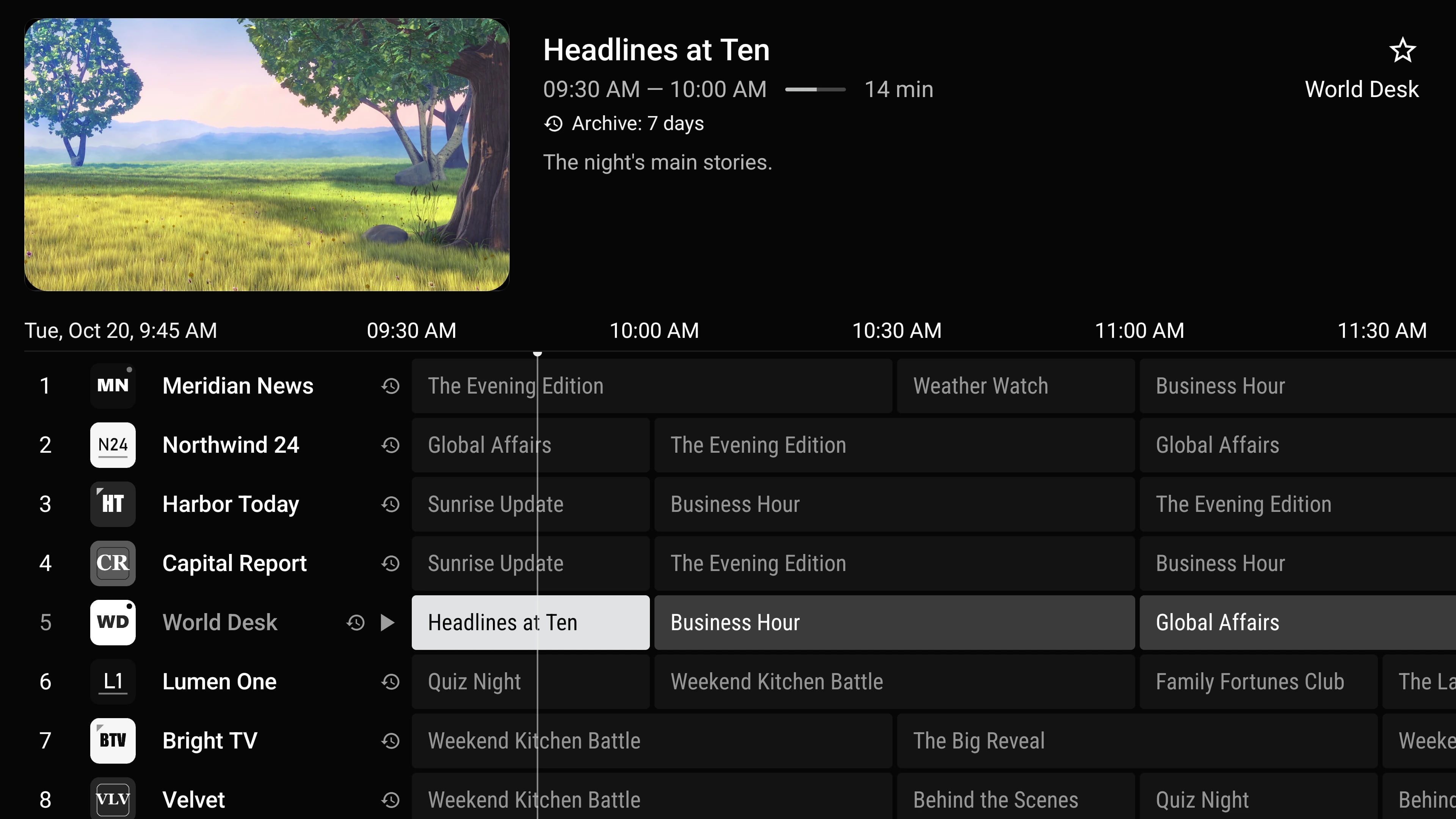
TV guide1/17
Tuka Player does not provide any content. It plays playlists you supply yourself. We don’t sell, host, link to or recommend channels, films, series or playlists.
Everything a great player needs. Nothing it doesn't.
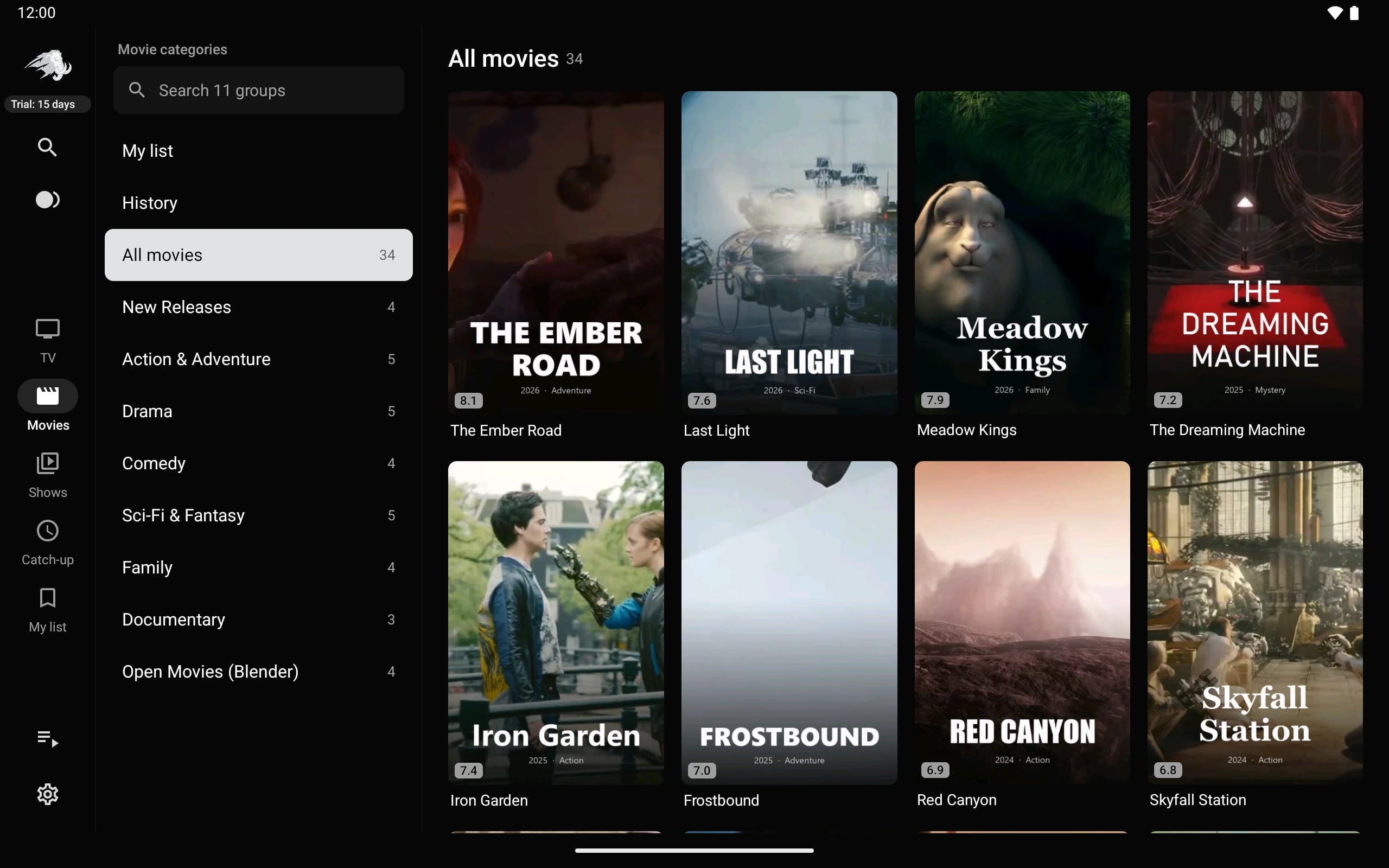
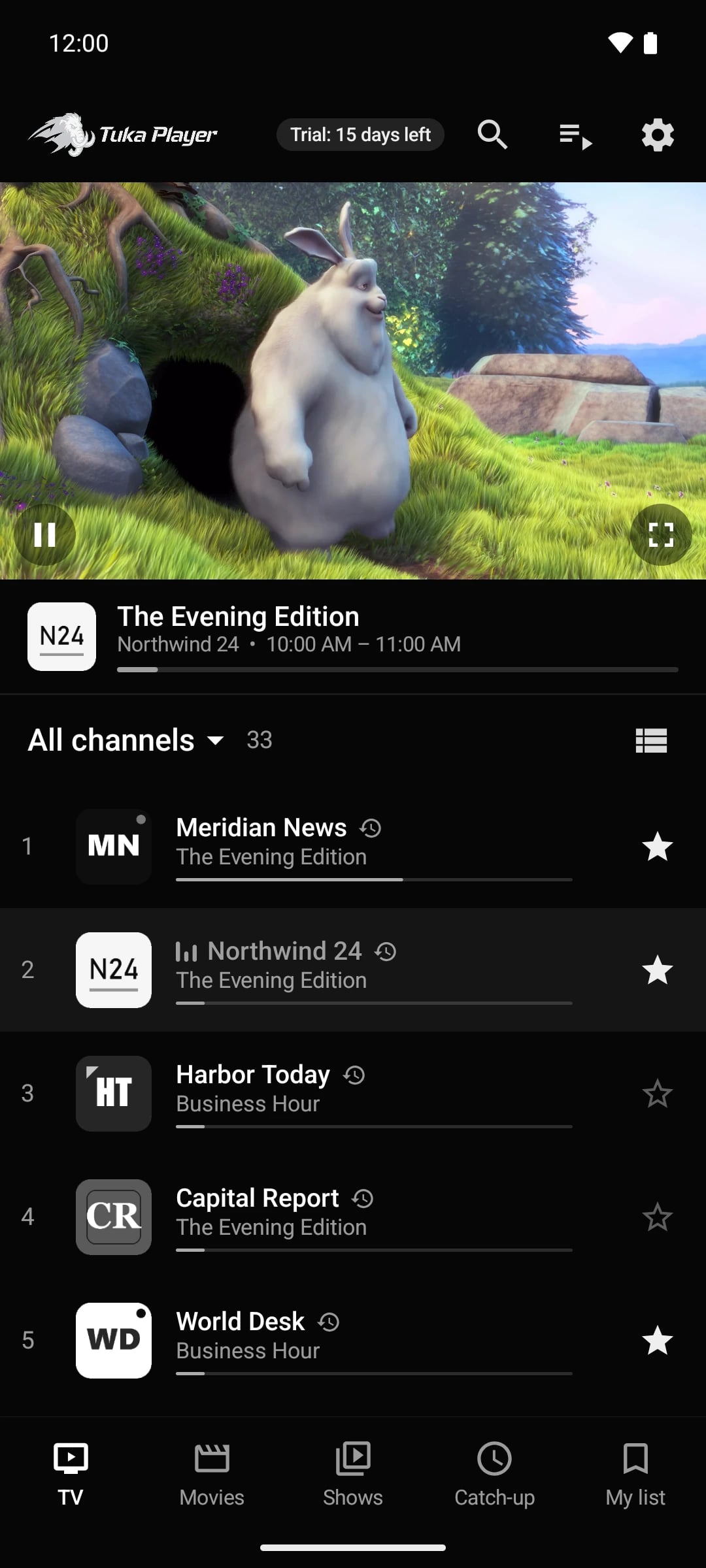
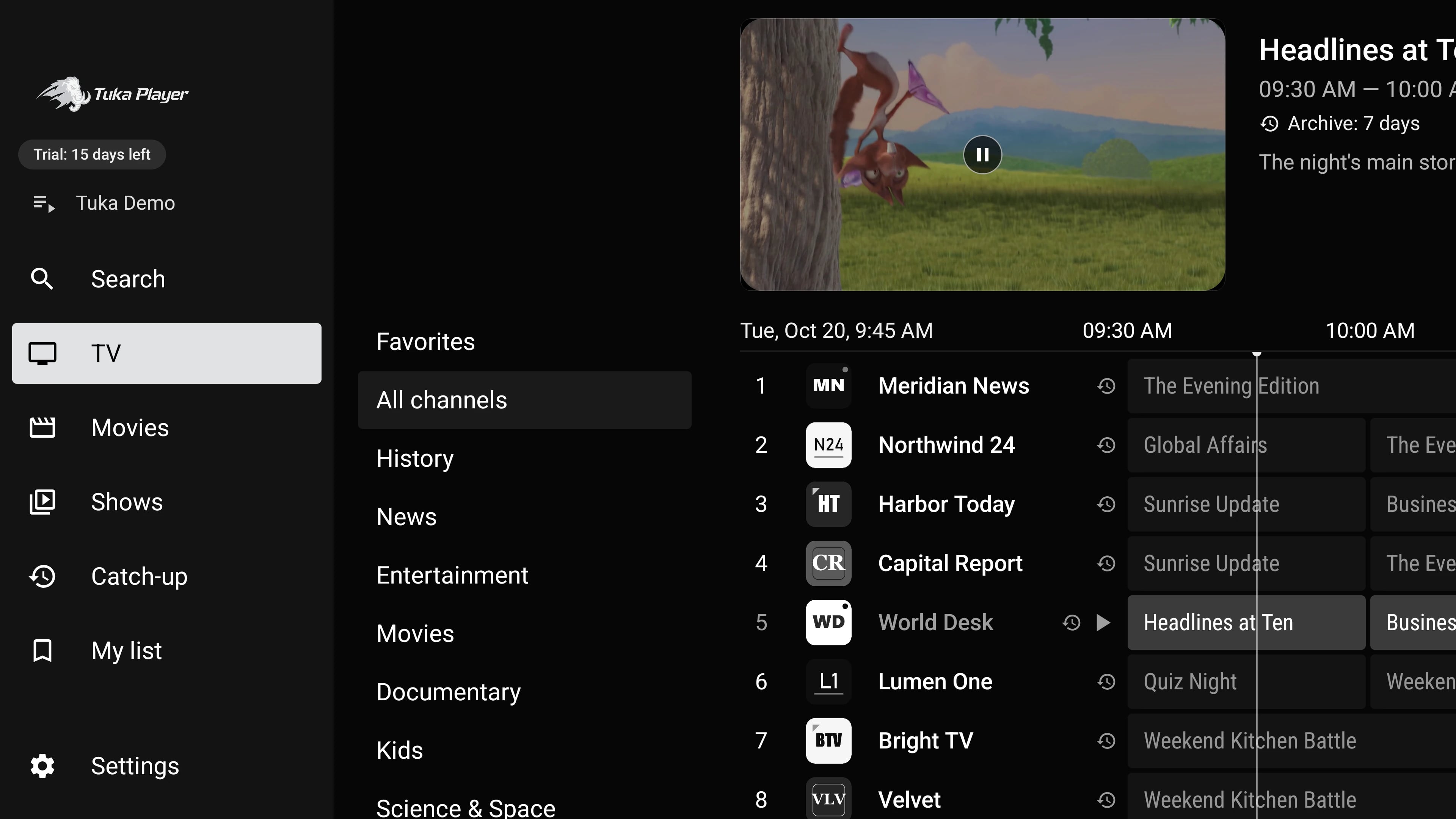
Built for the remote first, and just as good with a finger. These are real screens from the app, playing a demo playlist.
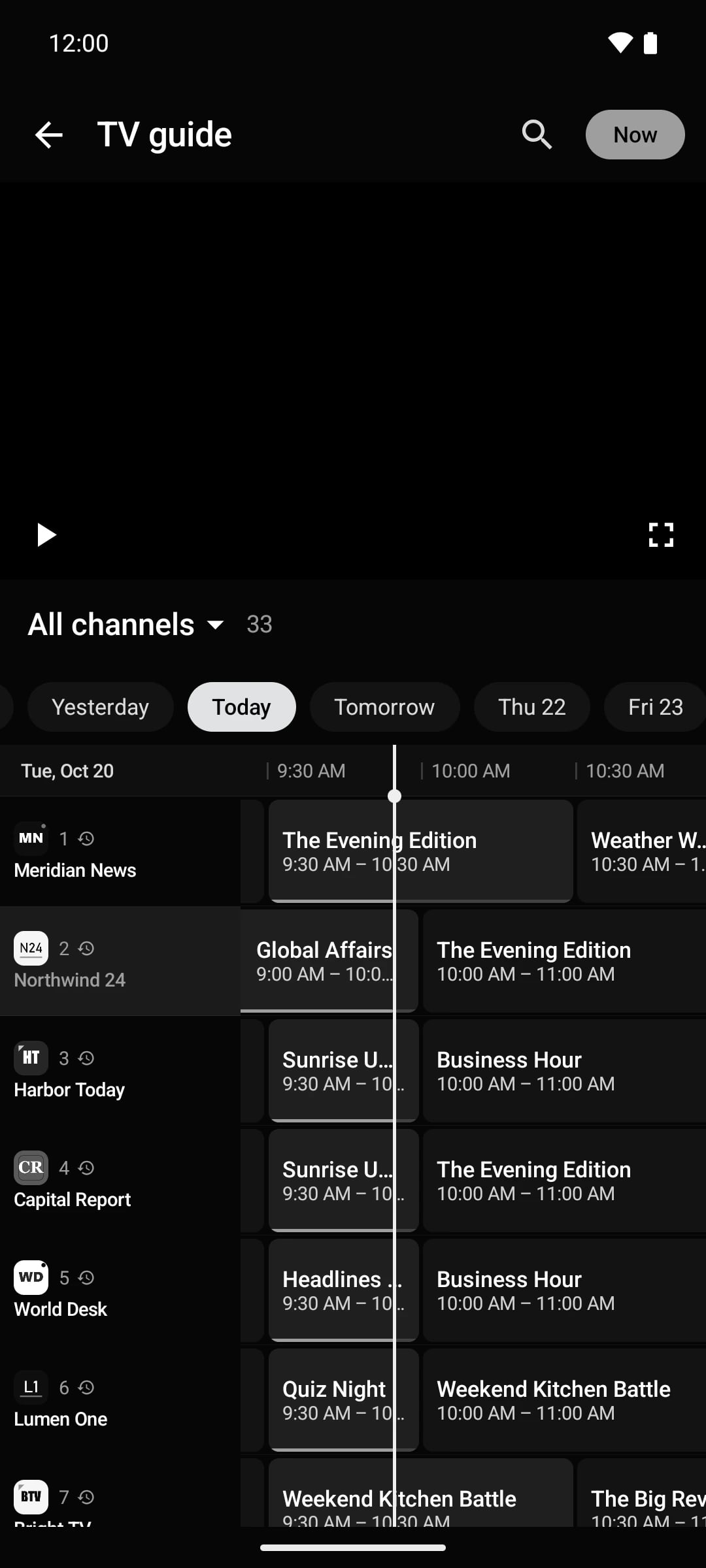
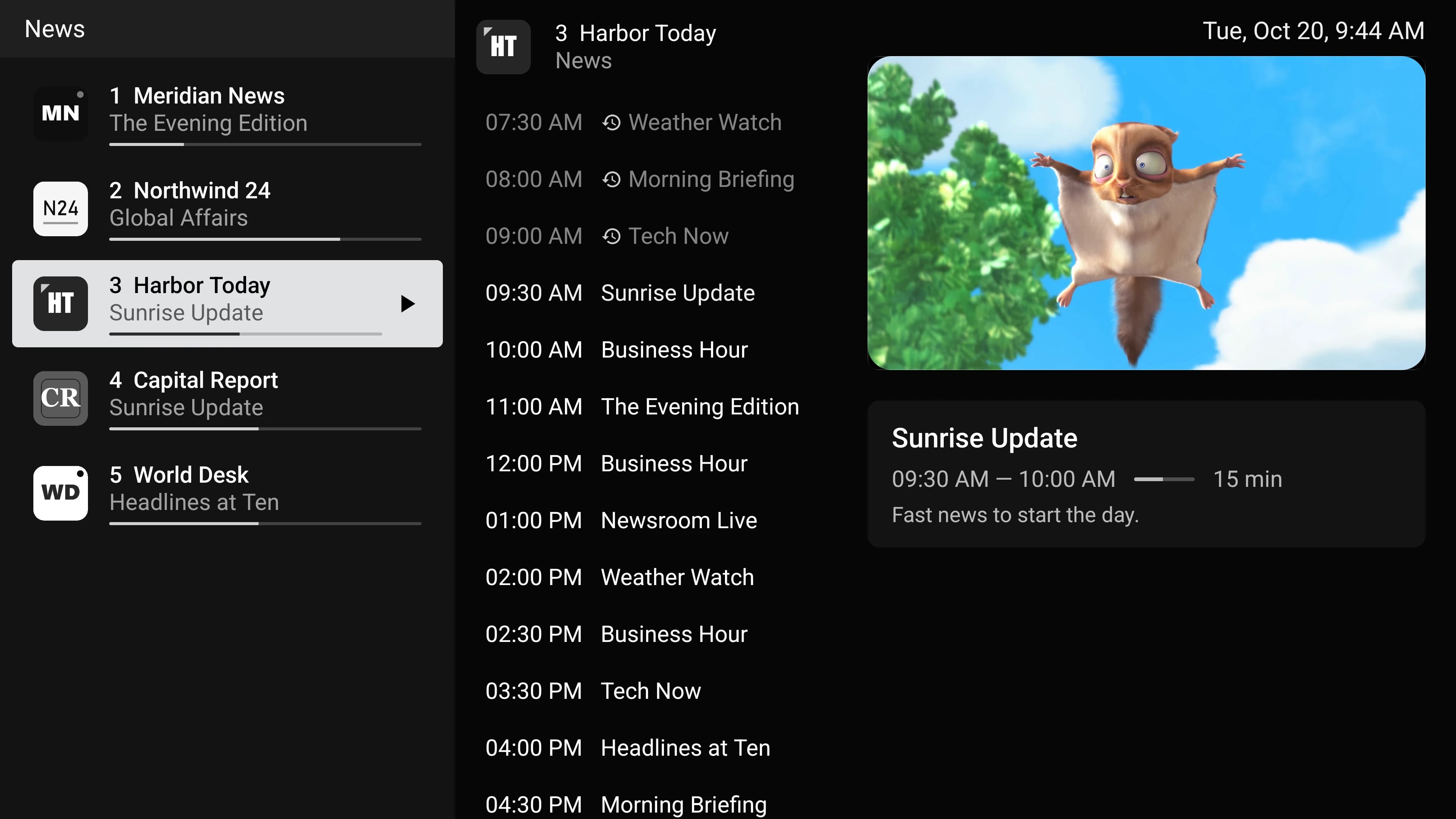
TV guide
A guide that keeps up with you.
Scroll days of programmes on every channel with the remote, a finger or a mouse. The guide is set up automatically from your playlist and refreshes in the background.
- Multi-day XMLTV and Xtream EPG
- Now & next on every channel
- Catch-up marks on past programmes
- Time-shift offset and EPG per channel
Live TV
Zap like it's cable.
Channel up and down, last channel, number keys and an info bar that tells you what's on now and next — with instant zapping that pre-buffers the channels around you.
- Instant zapping
- Info bar with programme progress
- Audio, subtitle and quality tracks
- Sleep timer and screen lock
Movies & series
Your library, like a streaming app.
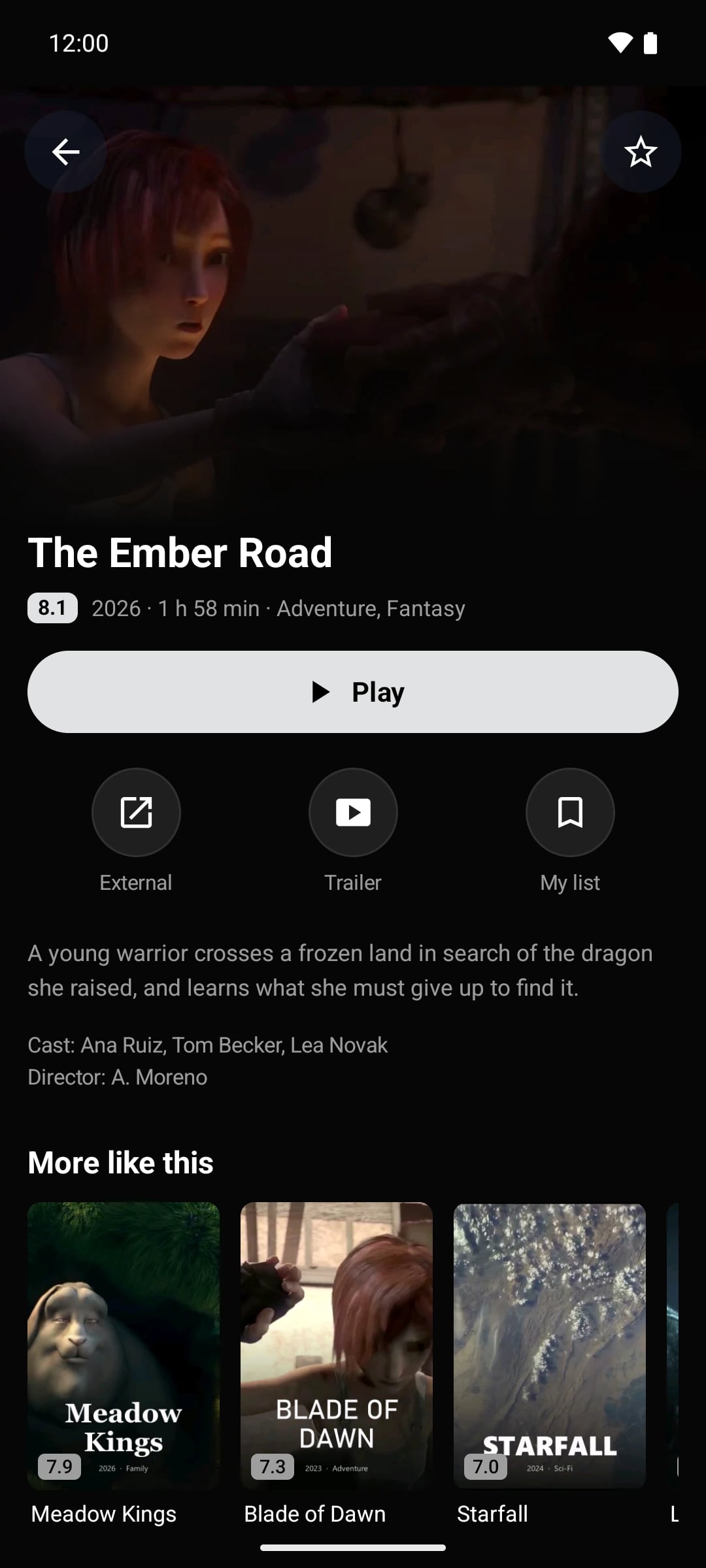
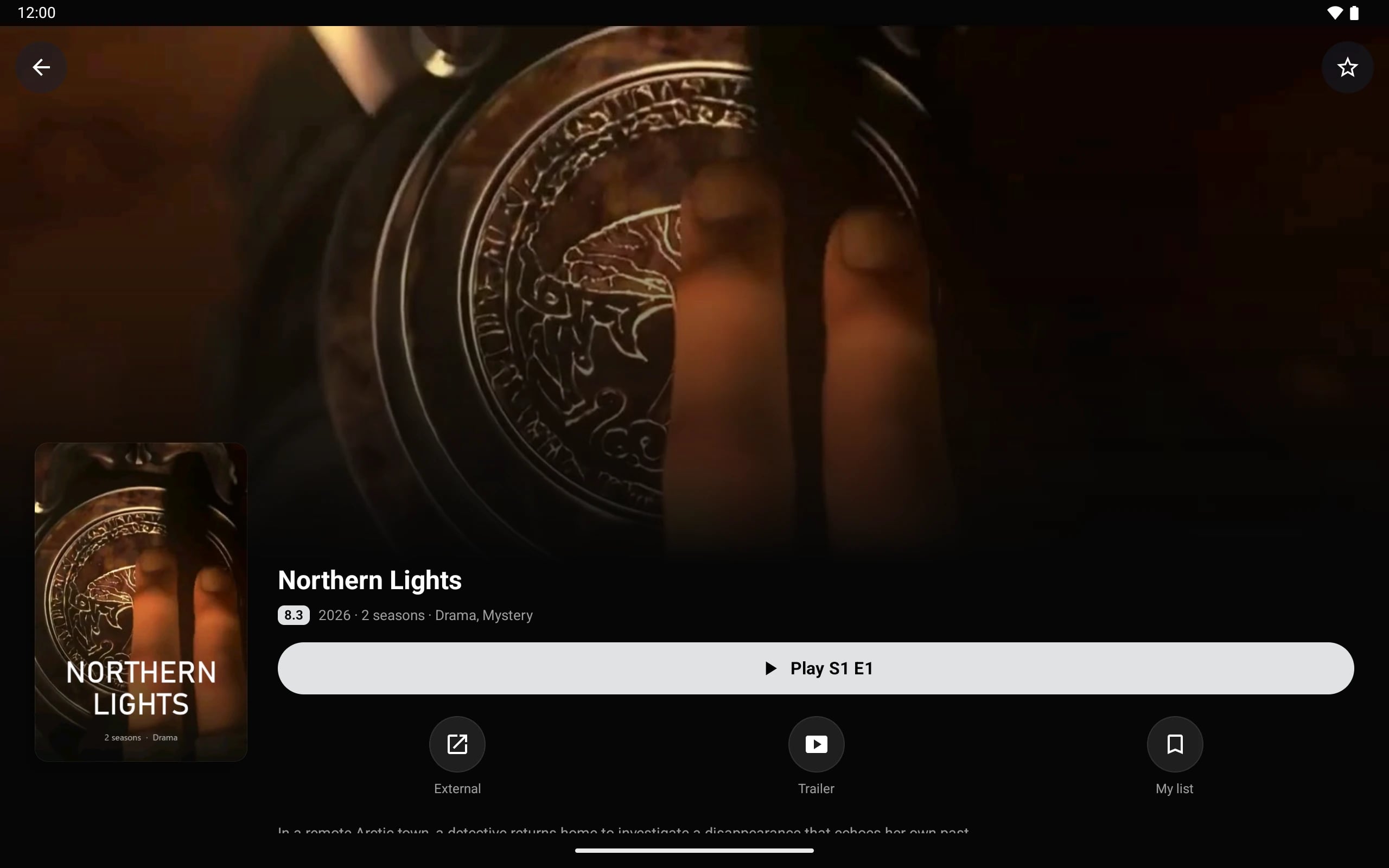
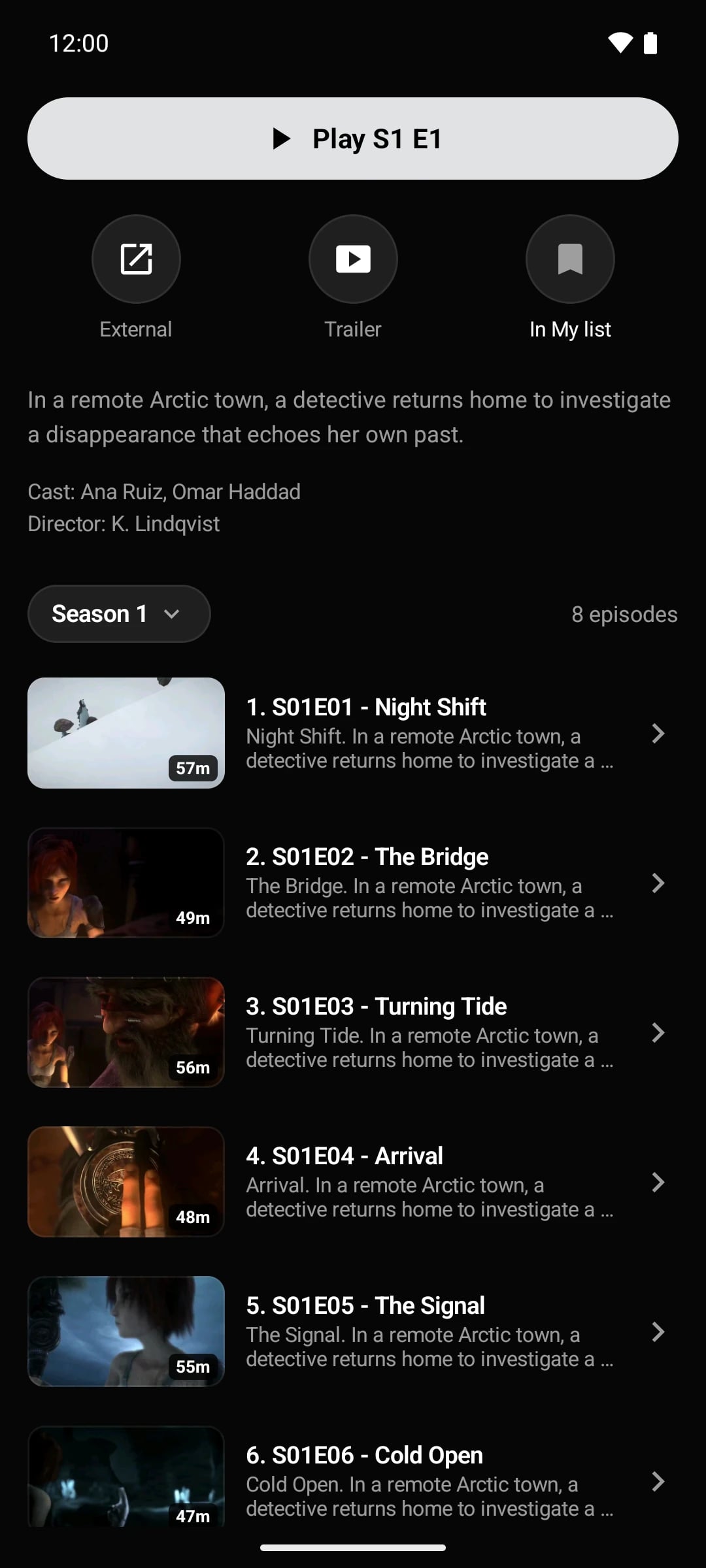
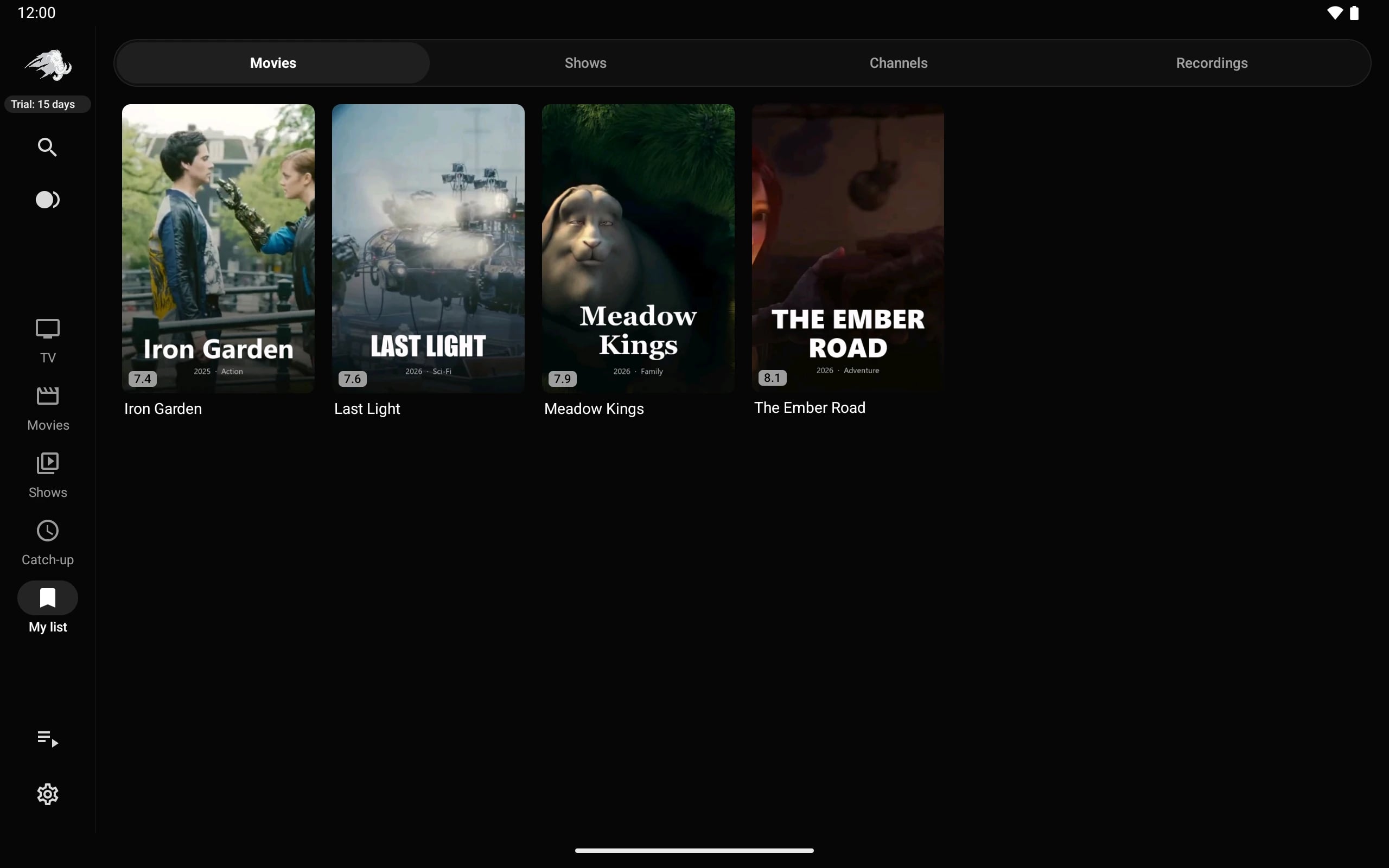
Posters, backdrops, ratings, cast and seasons — organised by your provider's categories, with a My list for everything you want to watch.
- Movie and series pages with trailers
- Season and episode browser
- Posters, ratings and cast
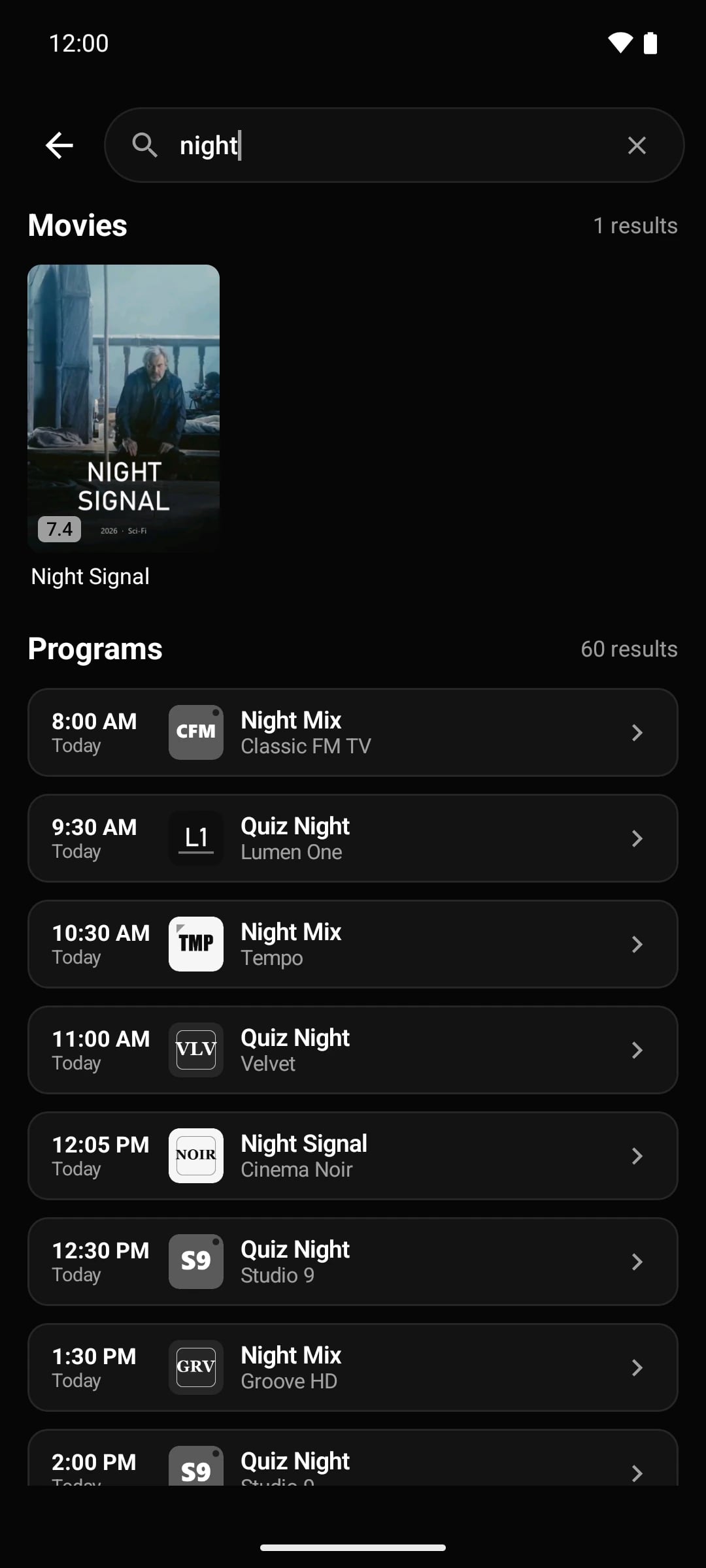
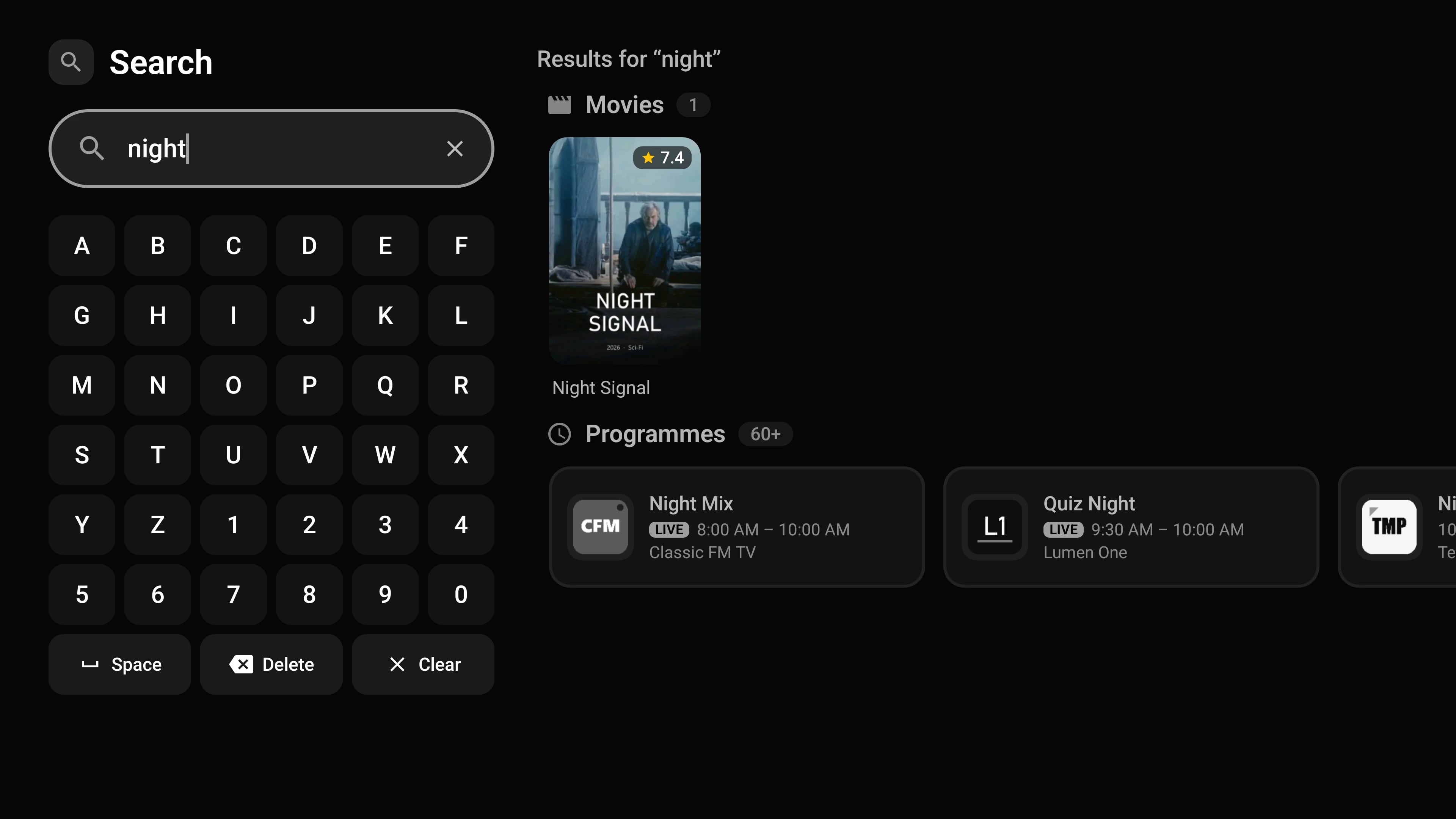
- Search across everything
Catch-up
Missed it? Go back a week.
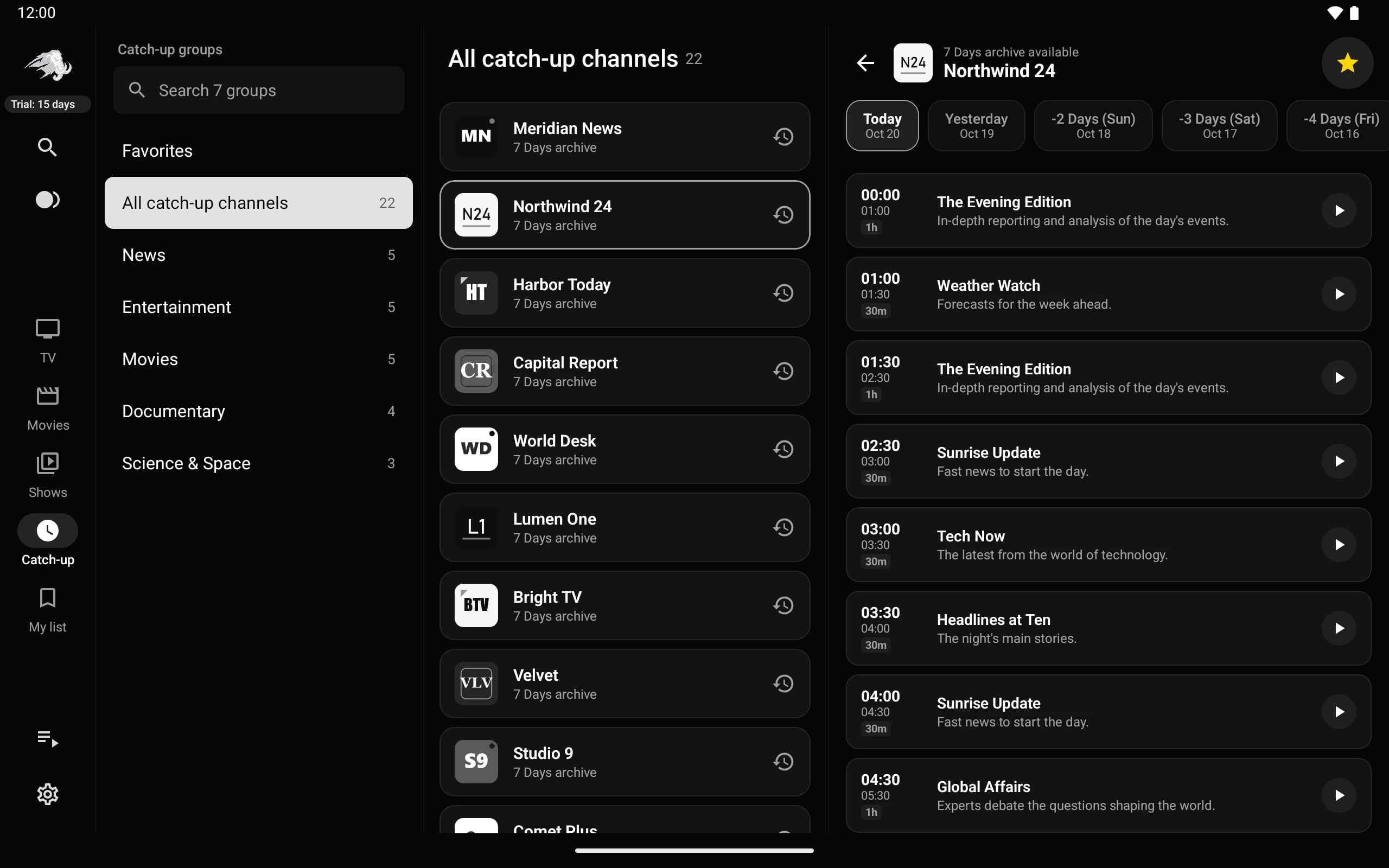
If your provider offers archive, Tuka Player shows it everywhere: browse the last days of any channel, or open a past programme in the guide and watch it from the start.
- Xtream, Flussonic, append and shift modes
- Browse by channel and day
- Watch from the start of a live programme
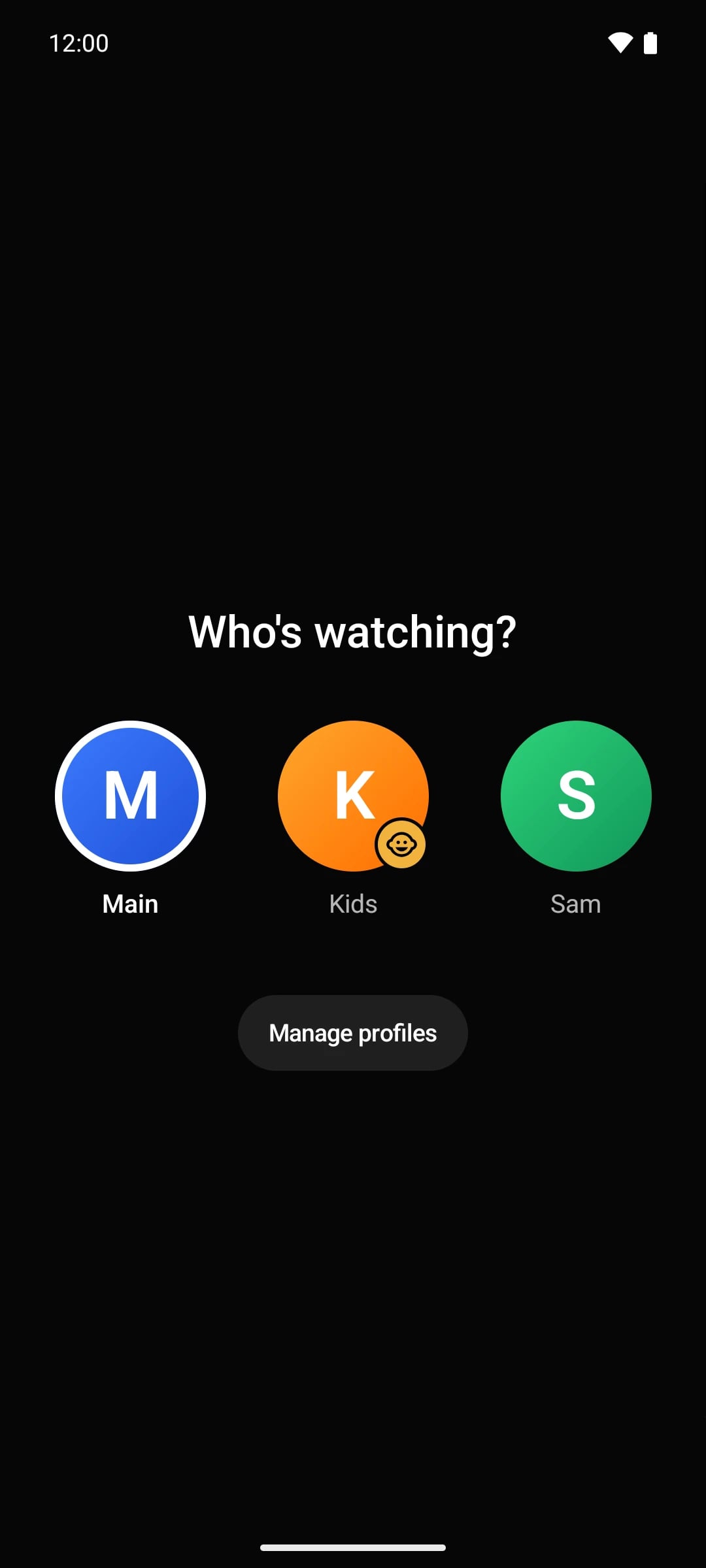
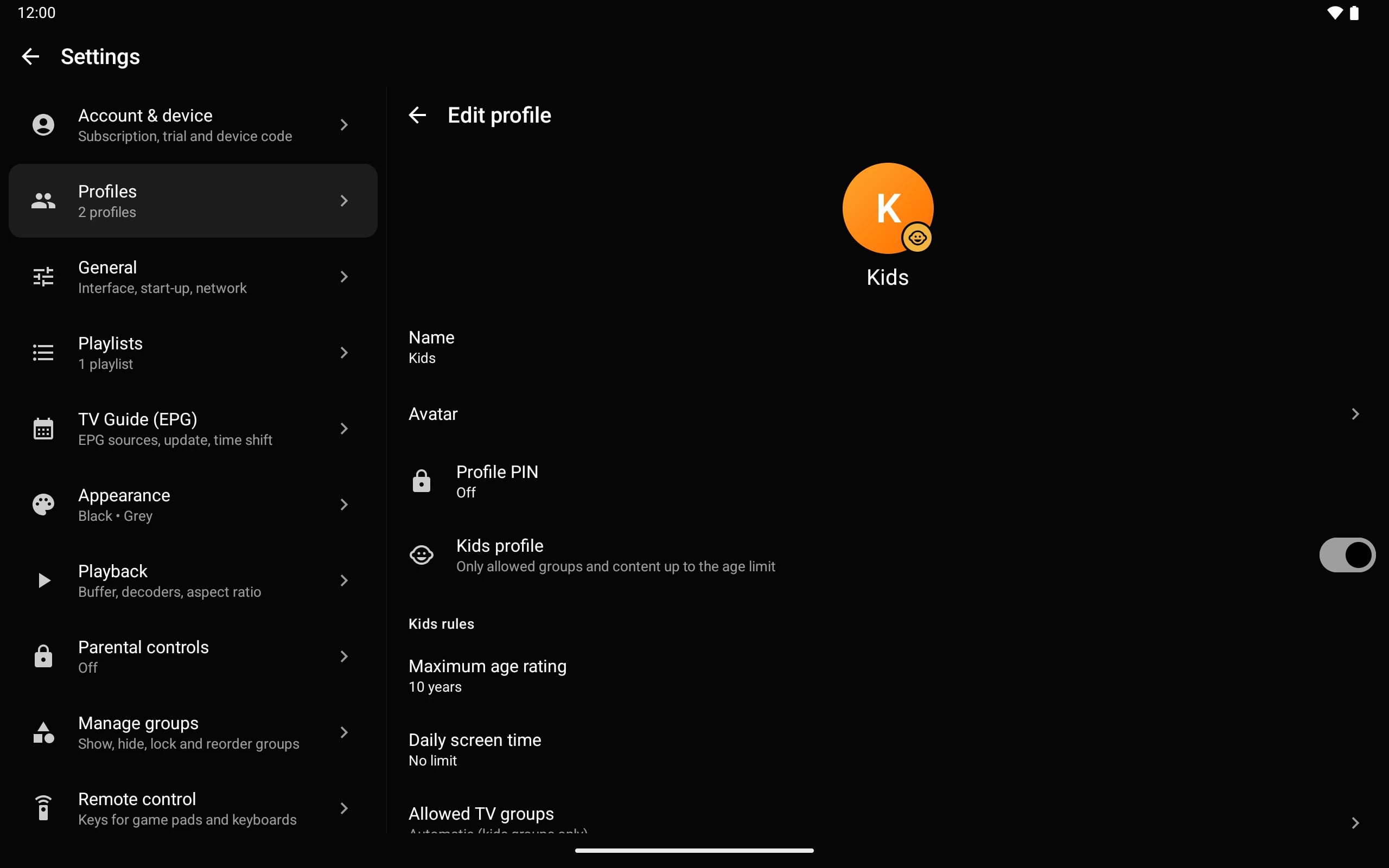
Profiles & kids
Everyone gets their own Tuka.
Separate favourites, history and My list per profile. Kids profiles only show allowed groups and age-appropriate movies and series, with an optional daily screen time.
- Profile picker at start
- Profile PINs
- Kids profiles with age limits
- Parental lock for groups and channels
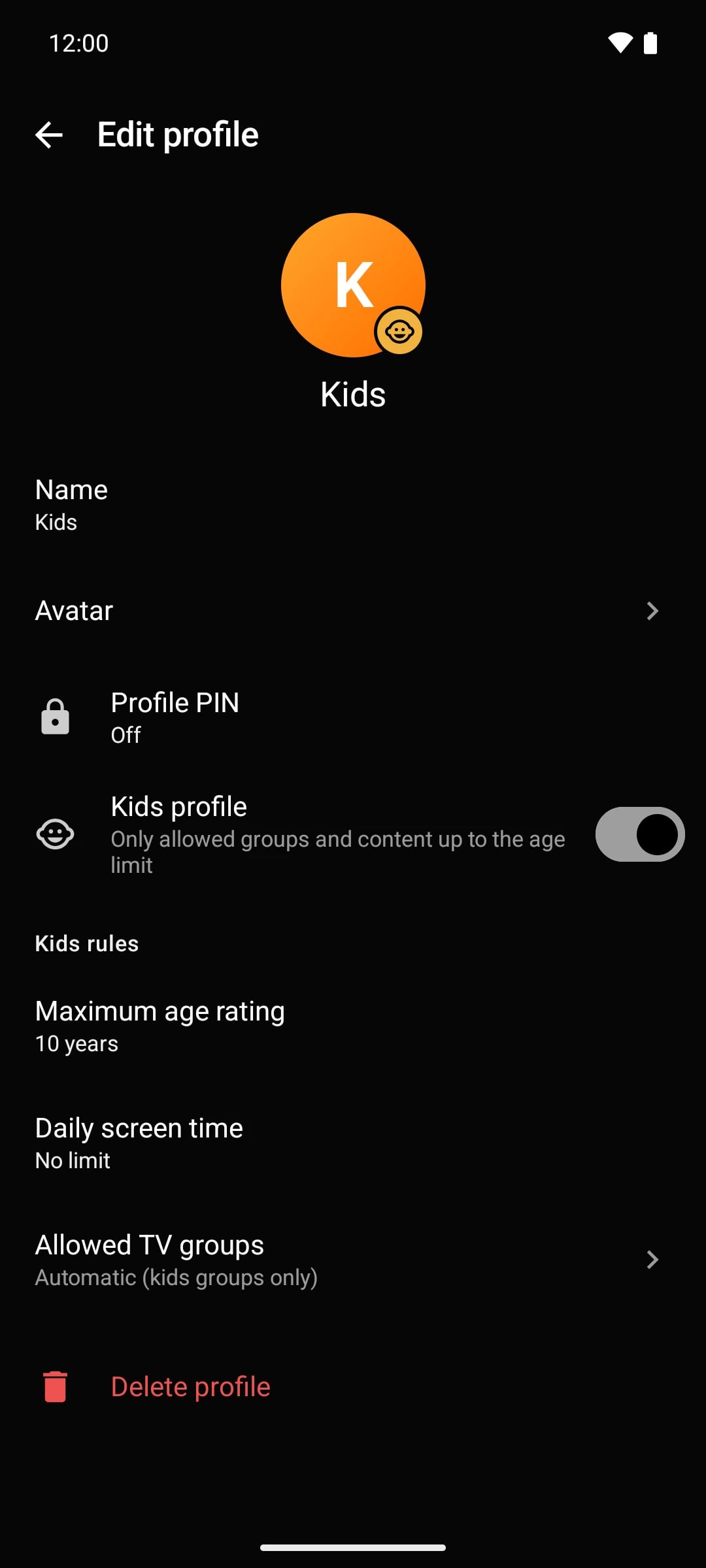
Multiview
Watch more than one channel.
Put up to four live channels on screen at once — great for match days and news. Your provider may limit how many streams can run at the same time.
- Up to four channels
- Open it from the player menu
- Record live TV to My list
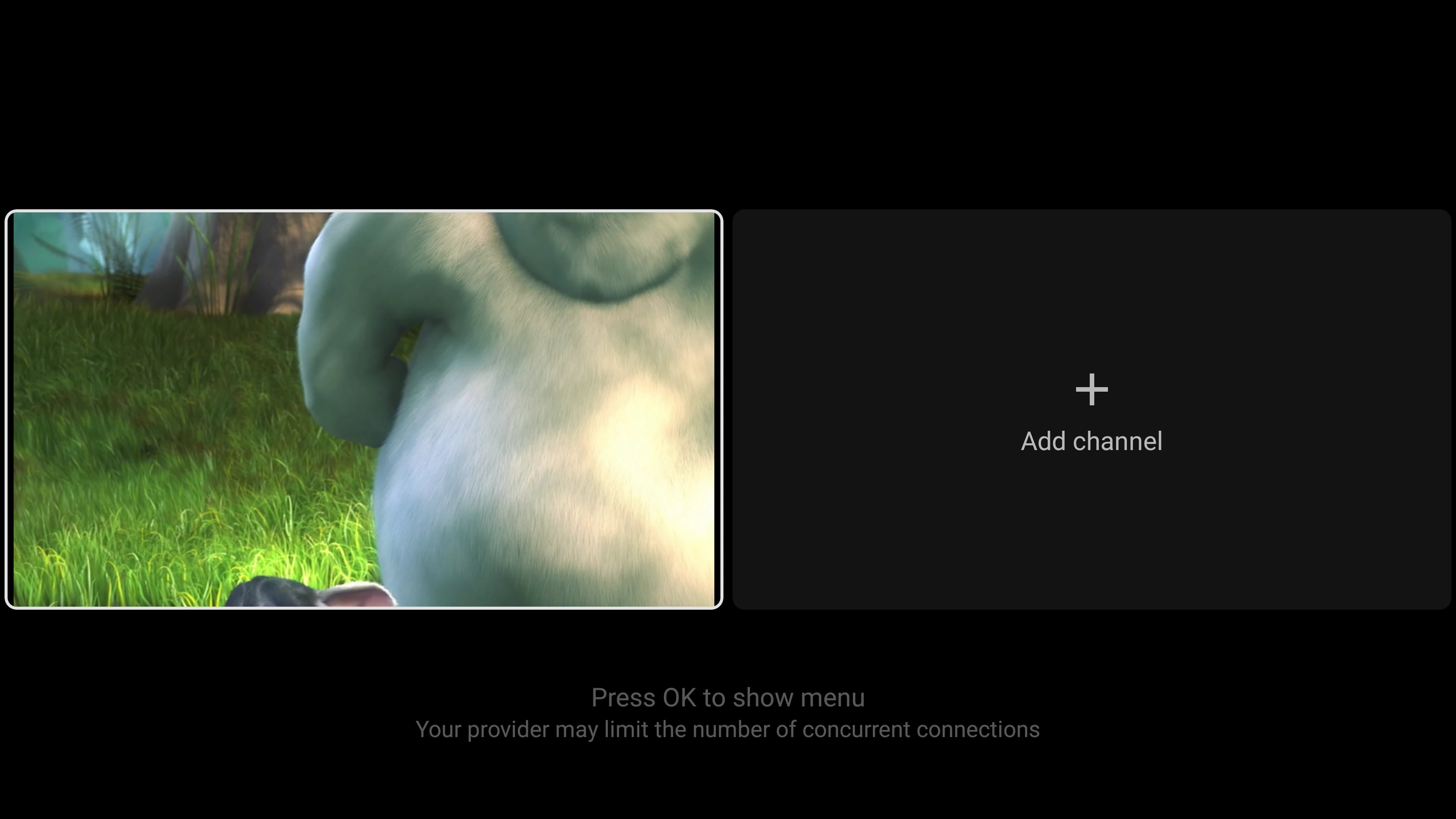
Search everything
Channels, movies, series and programmes in one search.
Recordings
Record live TV and find it under My list › Recordings.
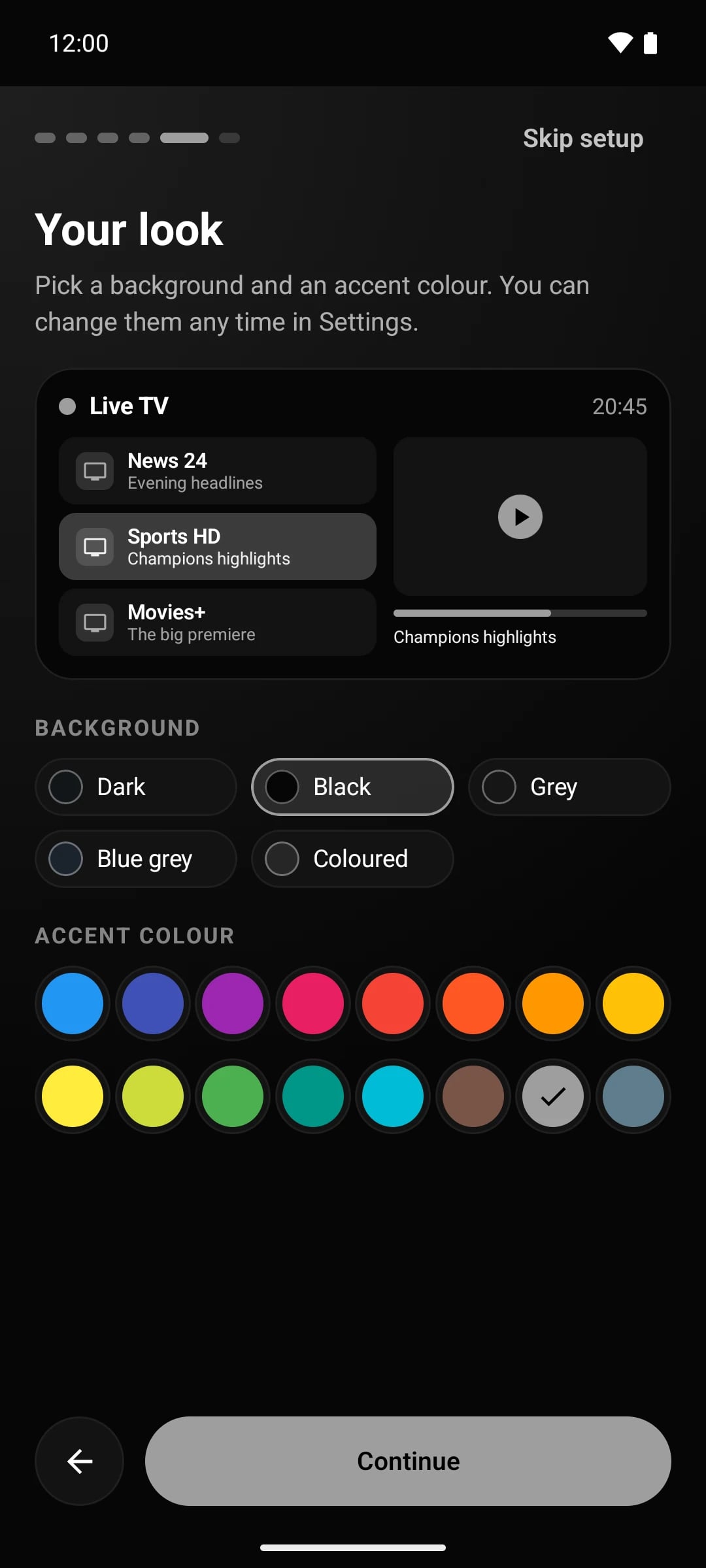
Your look
Black, grey or coloured themes and 16 accent colours.
Playlists from your phone
Scan the QR code on the TV and type on your phone.
Parental controls
PIN-lock groups, channels and settings.
Backup & restore
Move your setup to a new device in seconds.
Remote control keys
Map game pad and keyboard keys to any action.
13 languages
English, Arabic, French, Spanish, German and more.
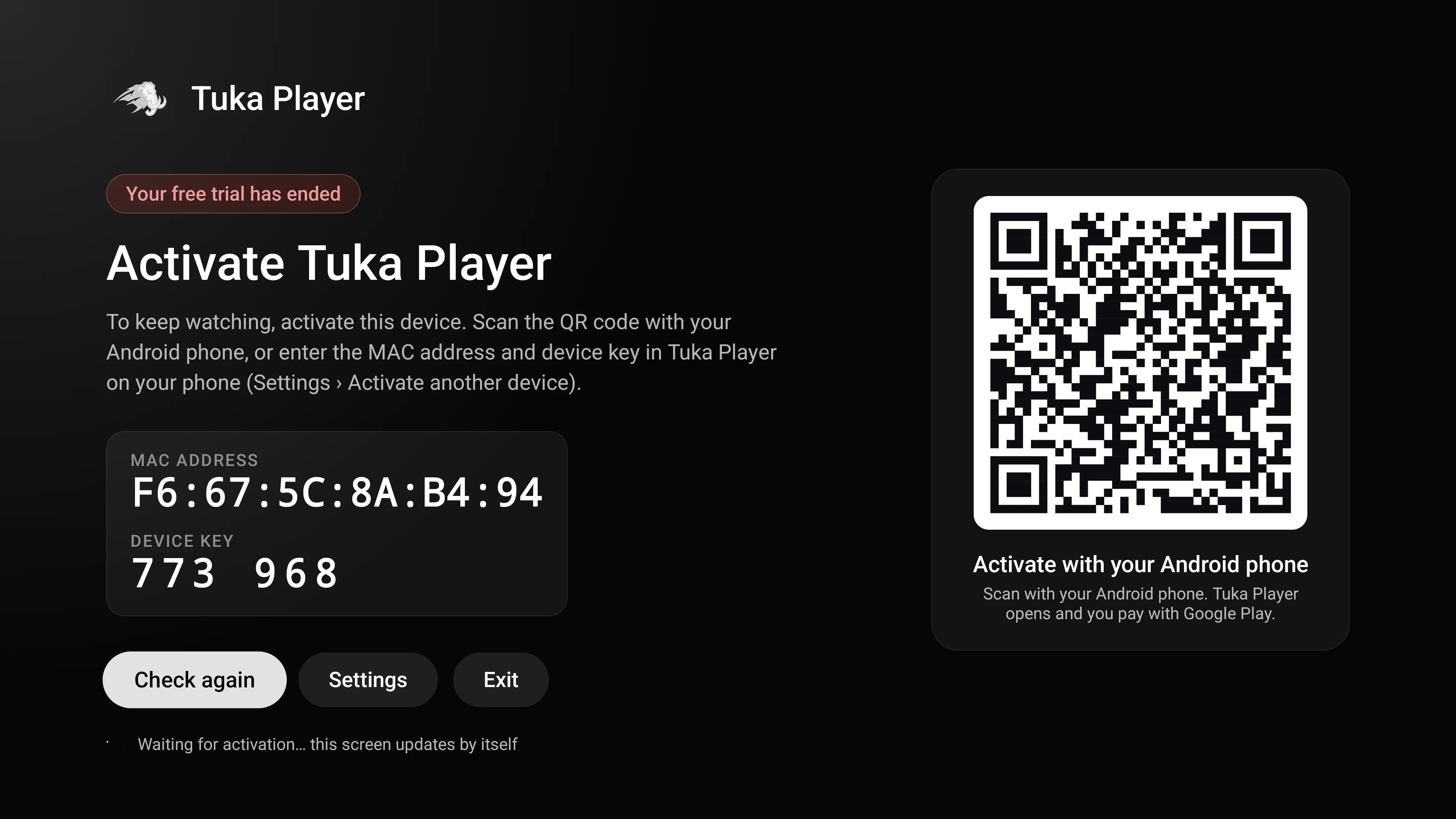
Activate your TV in 30 seconds.
No typing codes with a remote and no card details on a website: your Android phone or iPhone does the work.
 1
Your TV shows a QR code
Open Tuka Player on the TV. During the 15-day trial it's under Settings › Account; afterwards the app shows it for you.

Scanning…
2Scan it with your phone
Point your Android phone's or iPhone's camera at the code. Tuka Player opens on the phone with that TV already selected.
- Coming soon toGoogle PlaySoonComing soon toApp StoreSoonComing soon toLG Content StoreSoonYearlyLifetimeFamily 3Family 53
Buy in the Tuka Player app
Pick Yearly, Lifetime or a Family plan. Google Play or the App Store handles the payment — no cards on our website.
- 4
Your TV unlocks
The TV picks up the licence within seconds. Fire TV and TVs without Google Play work the same way.
No QR scanner handy? In Tuka Player on your phone, choose Activate a device and enter the TV's MAC address and device key instead.
Take a closer look.
Every screen below is the real app on a phone, a tablet and a TV — playing our demo playlist.

Try it free. Pay once a year — or once.
Every new device gets 15 days with everything unlocked. No card, no account. When you're ready, buy in the Tuka Player app through Google Play or the App Store.
1 device
Yearly
12 months, renew when you like
$9.99
Lifetime
Pay once, keep it
$24.99
- Every feature on one TV, phone or tablet
- Unlimited playlists
- Free updates
Buy in the Tuka Player app — Google Play or the App Store
Family · 3 devices
Yearly
12 months, renew when you like
$14.99
Lifetime
Pay once, keep it
$39.99
- Up to 3 devices on one purchase
- Add or swap devices from your phone
- Every feature on every device
Buy in the Tuka Player app — Google Play or the App Store
Family · 5 devices
Yearly
12 months, renew when you like
$19.99
Lifetime
Pay once, keep it
$54.99
- Up to 5 devices on one purchase
- Add or swap devices from your phone
- Every feature on every device
Buy in the Tuka Player app — Google Play or the App Store
One purchase covers your TV too.
Buy on your Android phone or iPhone and point it at the TV's QR code — Fire TV and TVs without Google Play included. Prices are shown in your local currency in the store and may differ slightly.
Prices are for the player licence only. Tuka Player does not sell, include or give access to TV channels, films or series. Yearly plans don't renew automatically.
Get Tuka Player.
Free to download. Your free trial starts the first time you open the app.
Phones, tablets, Android TV
Google Play
The easiest way: automatic updates, and purchases that activate your other devices too.
iPhone · iPad
App Store
Automatic updates, and purchases that activate your TV and other devices too.
LG Smart TVs (webOS)
LG Content Store
Install from the LG Content Store on your TV, with the Magic Remote or the regular remote.
Fire TV · Android TV
Downloader
Install the free Downloader app on your TV, open it and type:
tukaplayer.com/download/tukaplayer.apk
Allow “Install unknown apps” for Downloader when the TV asks.
Any Android device
Direct download
The APK for devices without Google Play. It updates itself.
Ready when your TV is.
Install the app, add your playlist and you’re watching in about a minute.